Recording does not start
Check microphone permission in iOS Settings. If denied, enable it for Dream Journal AI and reopen the app.
Support
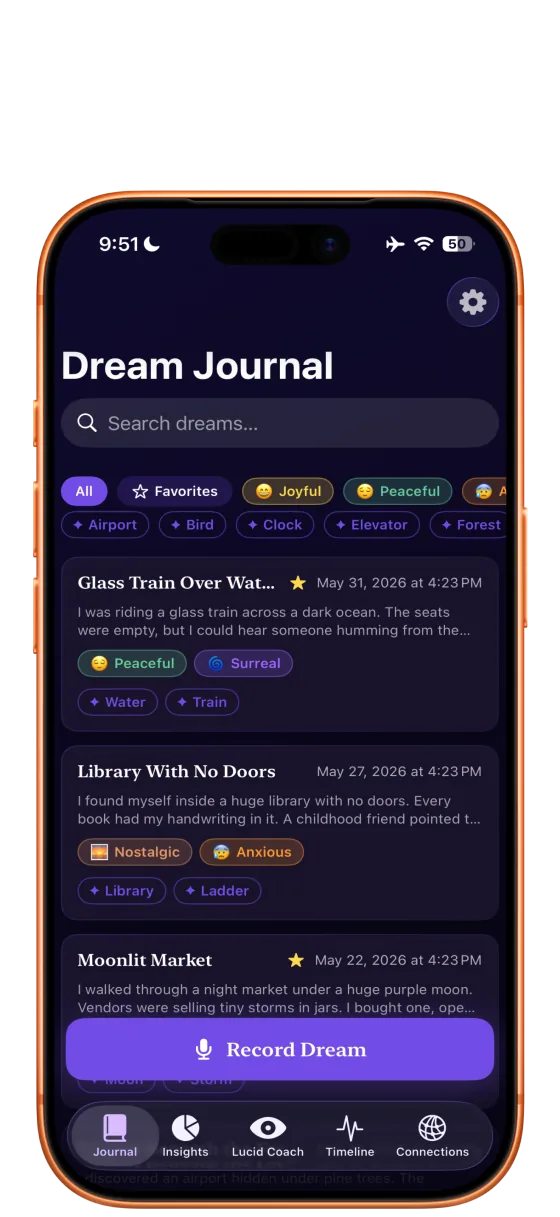
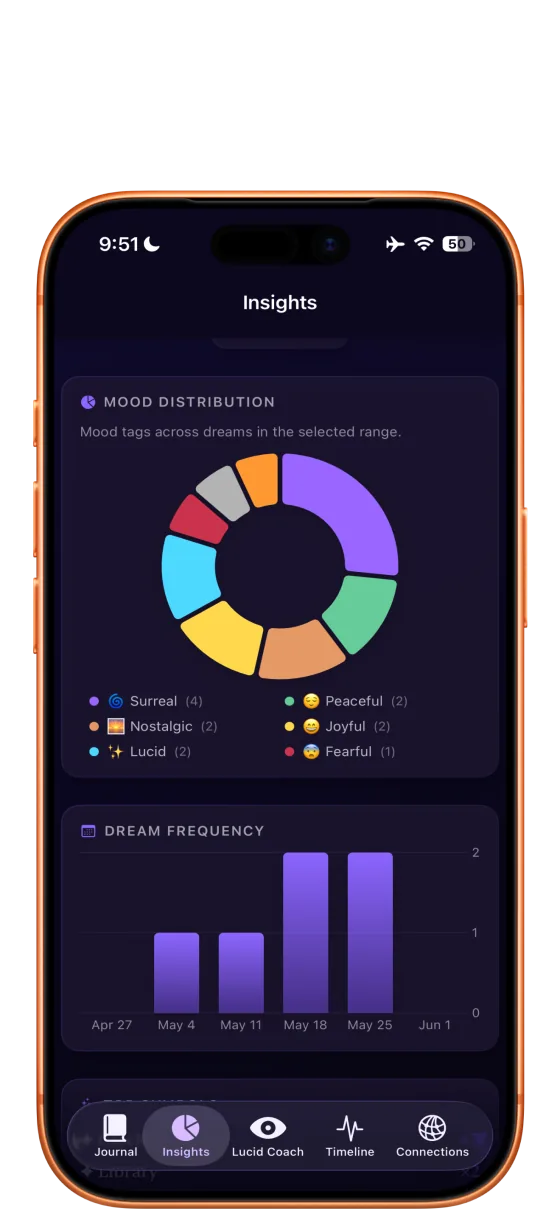
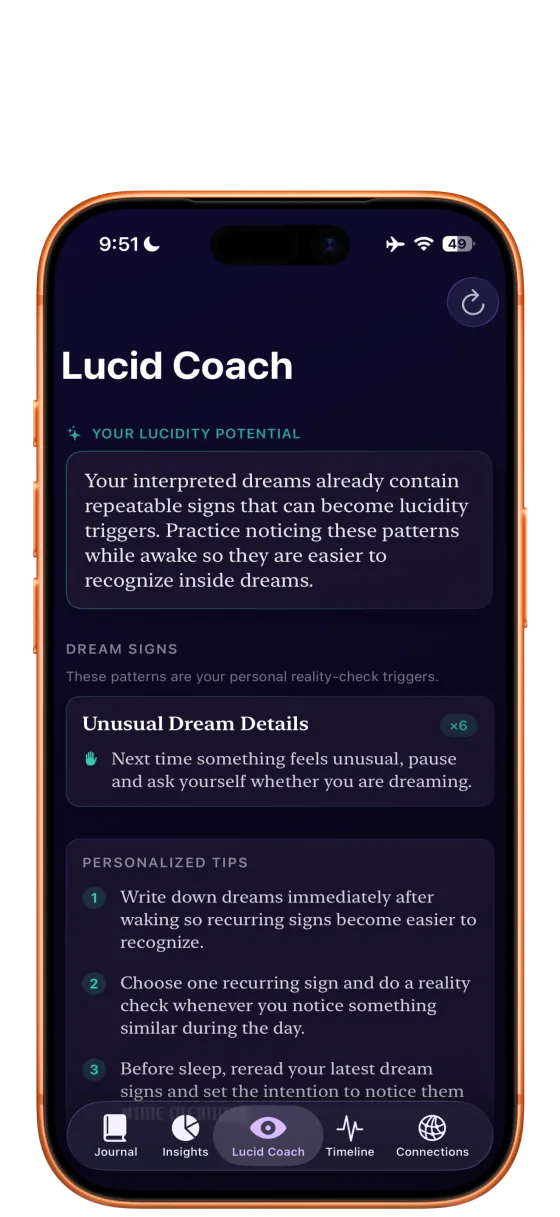
Find setup steps, common answers, and visual references for recording dreams, reviewing insights, and using lucid coaching.
Send your question, device model, iOS version, and a short description of what happened.
Getting started
Tap Record Dream, speak what you remember, then stop when the details are captured.
Open the new journal entry to review the transcript, mood tags, symbols, and AI interpretation.
Use Insights, Timeline, Connections, and Lucid Coach once you have several interpreted dreams.
Screenshots
Common issues
Check microphone permission in iOS Settings. If denied, enable it for Dream Journal AI and reopen the app.
Insights need recorded and interpreted dreams. Add several entries, then revisit the Insights tab.
Lucid coaching is a Pro feature and needs enough interpreted entries to detect personal dream signs.
Use the journal protection prompt or Settings to enable biometric access where supported by your device.
FAQ
No. Dream Journal AI is for reflection and journaling, not medical, psychological, or crisis care.
Patterns are more useful when the app has enough entries to compare symbols, moods, and themes across time.
Include the screen you were on, what you expected, what happened instead, your iOS version, and whether the issue repeats.