Voice-first recording
Start a recording, speak naturally, and let the app create a readable dream entry from your transcript.
AI dream journal for iPhone
Record dreams the moment you wake up, turn them into organised journal entries, and uncover the symbols, moods, and patterns that return night after night.

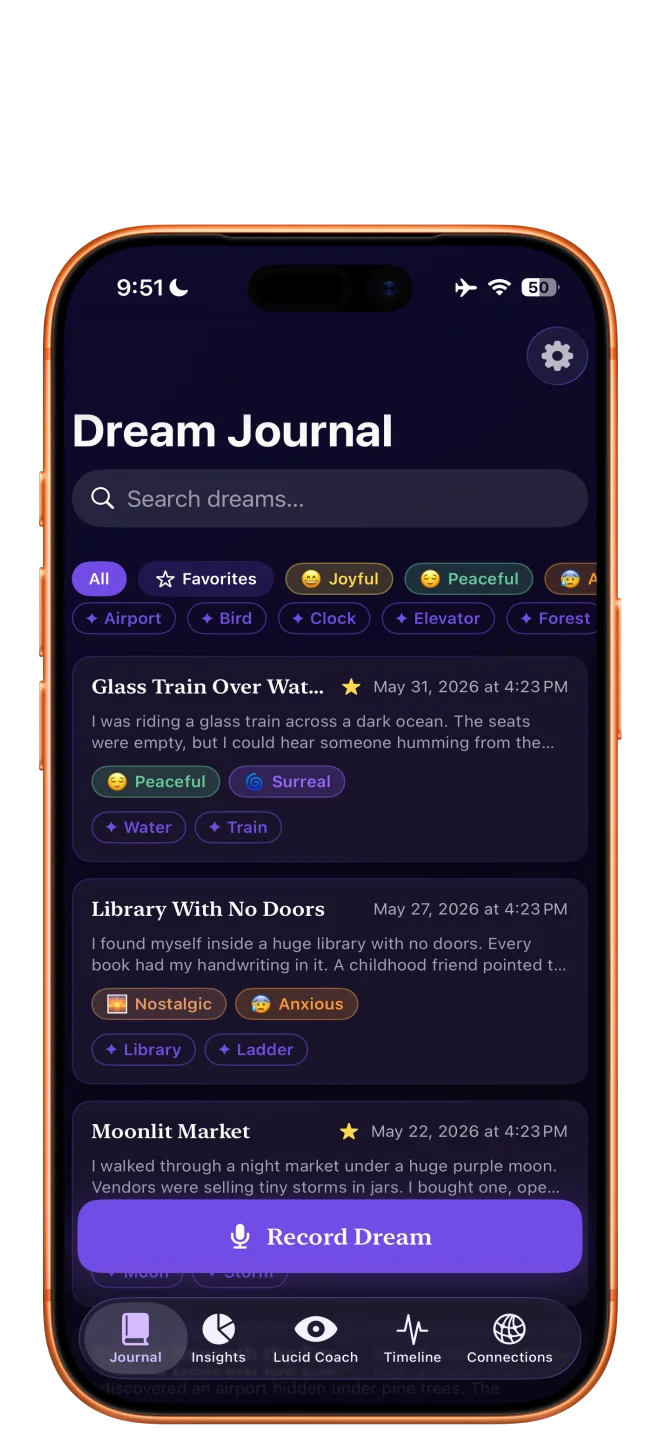
Built for the first quiet minutes after waking
Voice recording, AI interpretation, symbol tracking, mood tags, monthly reports, and journal protection — everything in one quiet app.
Start a recording, speak naturally, and let the app create a readable dream entry from your transcript.
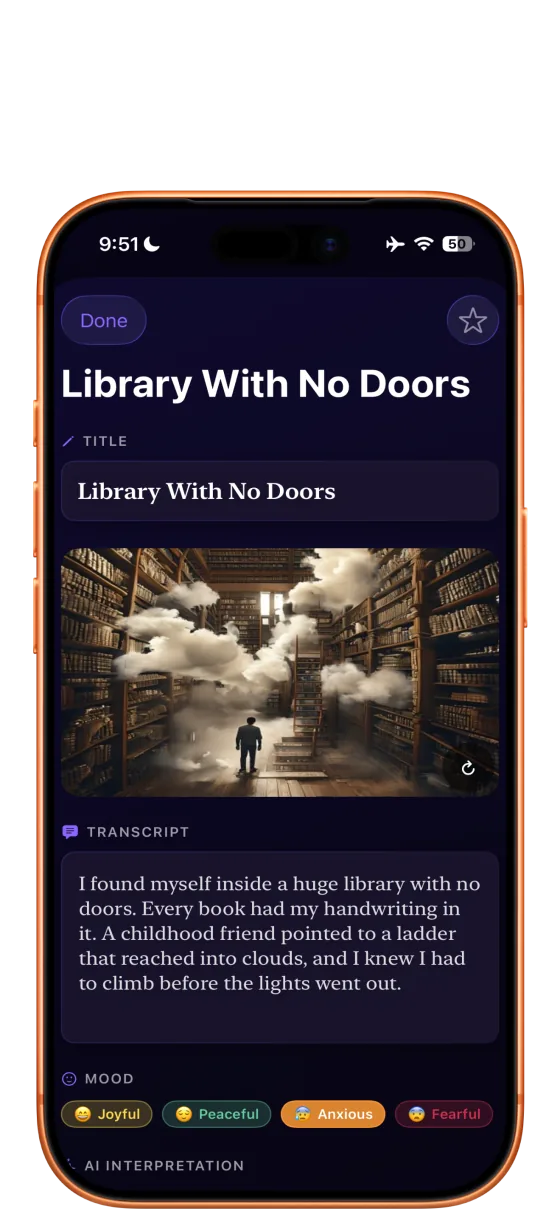
Review themes, symbols, moods, and emotional notes without turning your journal into homework.
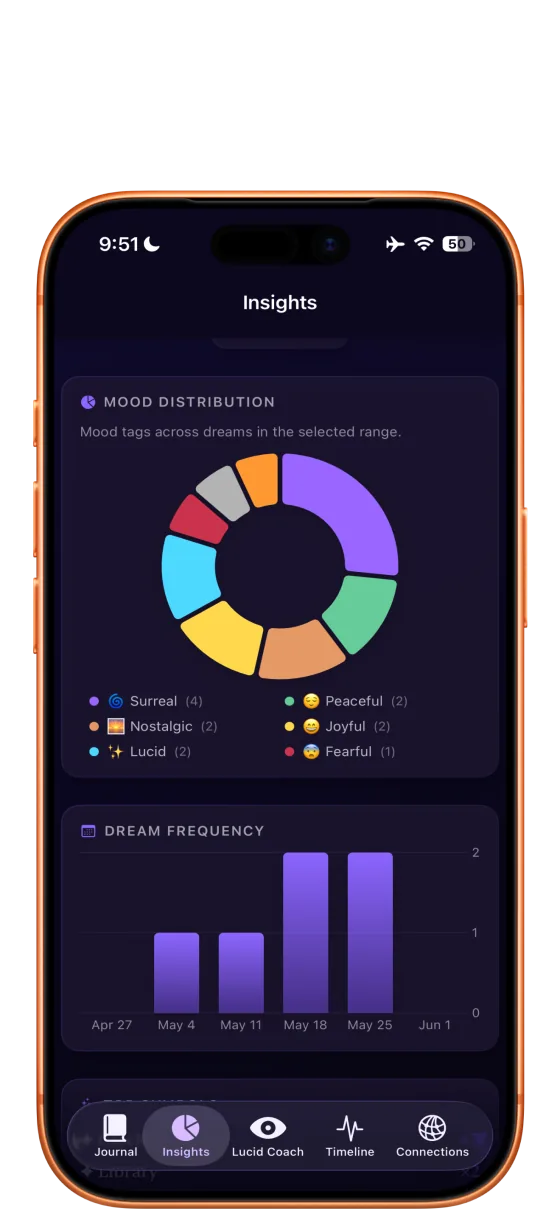
See top symbols, dream frequency, emotional timelines, and cross-dream connections as your archive grows.
Real app screens
For reflection, not noise
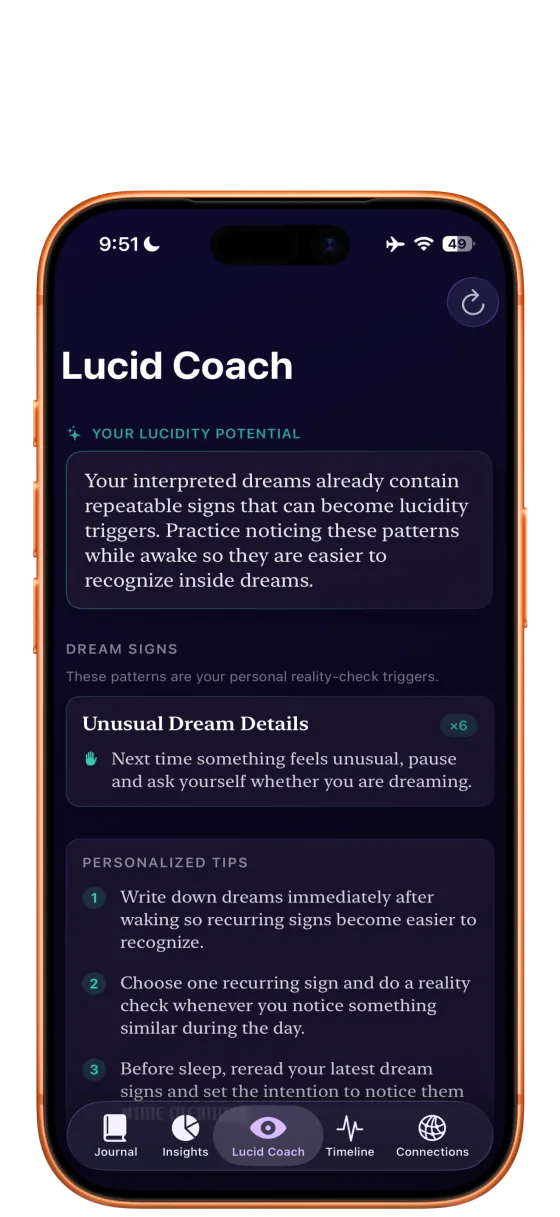
Identify personal dream signs and receive reality-check prompts tailored to your recurring dream world.
Move from waking to recording with less friction, so fragile details have a better chance of surviving.
Keep sensitive entries behind biometric protection and preserve the private nature of dream work.
Download
Install Dream Journal AI on iPhone and turn waking fragments into a private, searchable journal.
Support
Visit the support page for setup steps, common answers, and screenshots of the app.